
Tech
Review: I tried the Centauri Carbon 3D Printer to see if its truly beginner friendly

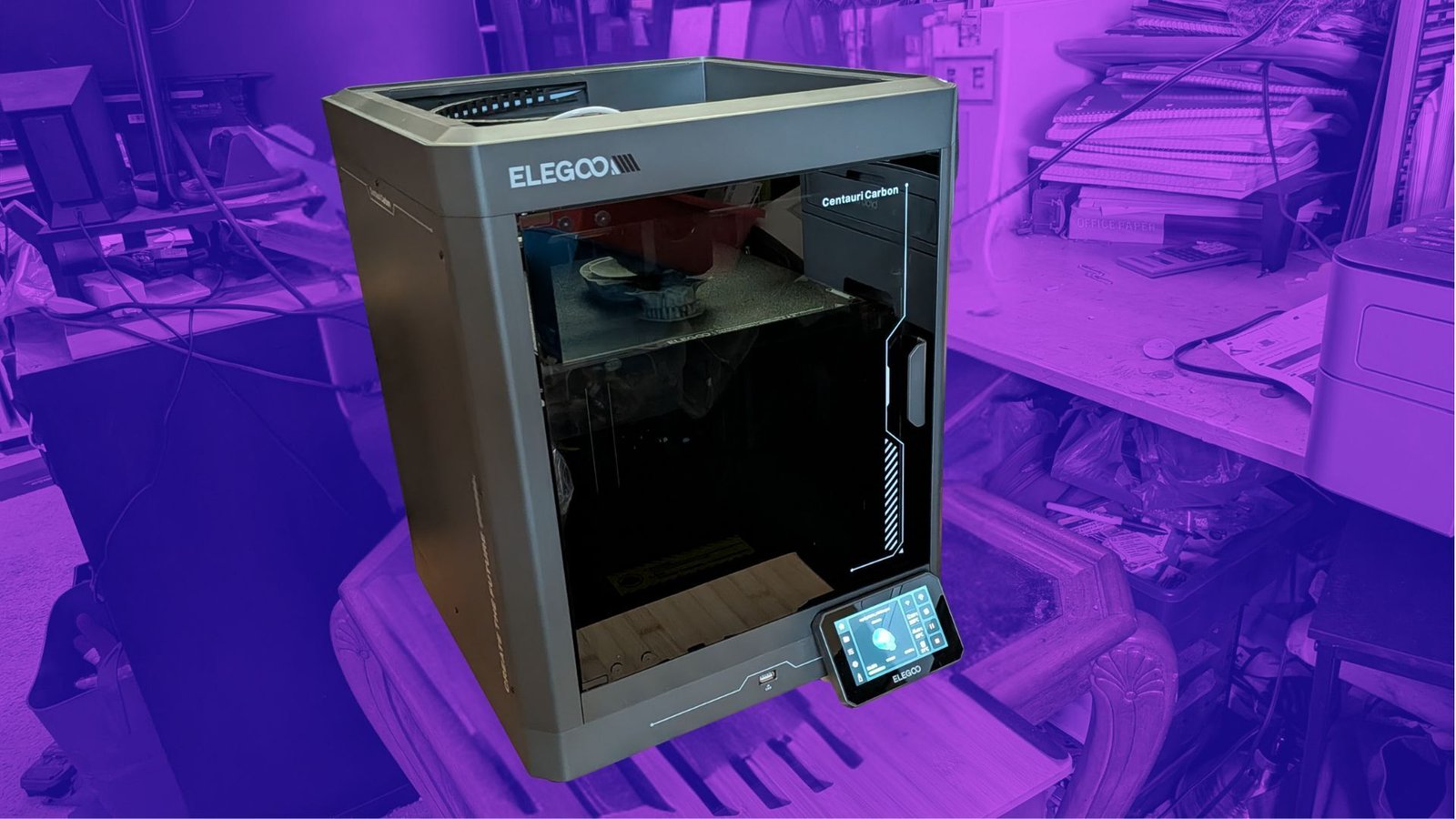
When I visited IFA 2025 in Berlin, I came across a company called Elegoo that makes 3D printers, which are also available on Amazon. As much of a nerd as I am, I never got into 3D printing. There are a number of reasons for that, but most predominantly, it seemed vaguely out of reach. There just seemed to be so much that went into it — CAD, filaments, slicing, balancing, and the like; I was frankly too intimidated to even try.
Enter Elegoo. This company makes the Centuri Carbon 3D printer, which it says can print right out of the box. It has a full auto calibration cycle that basically levels and calibrates itself, freeing the user from technical tasks that, to be frank, I don't have time to master.
Opens in a new window
So, is it that easy? That's what I wanted to find out, and I'm going to teach you some things I've learned about 3D printing along the way. Elegoo sent over a Centauri Carbon and a roll of grey filament for me to test and see if it could make me a 3D printing pro right out of the box, and the answer is yes and no.
I was pretty new here
Credit: Elegoo
I had dabbled with 3D printing over the years, through my local library, which will print models you send them for the cost of the filament, which is usually $10 or less, depending on the build. I have printed playing card holders, phone holders, and a few other things over the years. My teenage son had as well.
Because of this, I already had a few models I wanted to print, including a nifty multiple phone holder that is great for holding open book-style foldables when not in use. I opened the box, I set up the printer, and let it run through its calibration and self-leveling processes. I loaded the phone holder onto a USB stick and tried to print it. It didn't go well. I tried again — same results. So I took a step back and tried printing a pre-loaded file that came with the printer. This one was of the Eiffel tower, and lo and behold, it went off without a hitch. As I quickly realized, my file was to blame.
Next, I tried downloading other files that looked neat, and I found out there are a number of file types, including a popular .STL file, that 3D printers can't work with — until they go through a slicer program. Basically, a slicer program takes a 3D model and slices it up to what it'll look like layer by layer, which is how most 3D printers operate. Only after the slicing program has done its work can the 3D printer do anything with your file.
Off to the races!
Credit: Adam Doud / Mashable
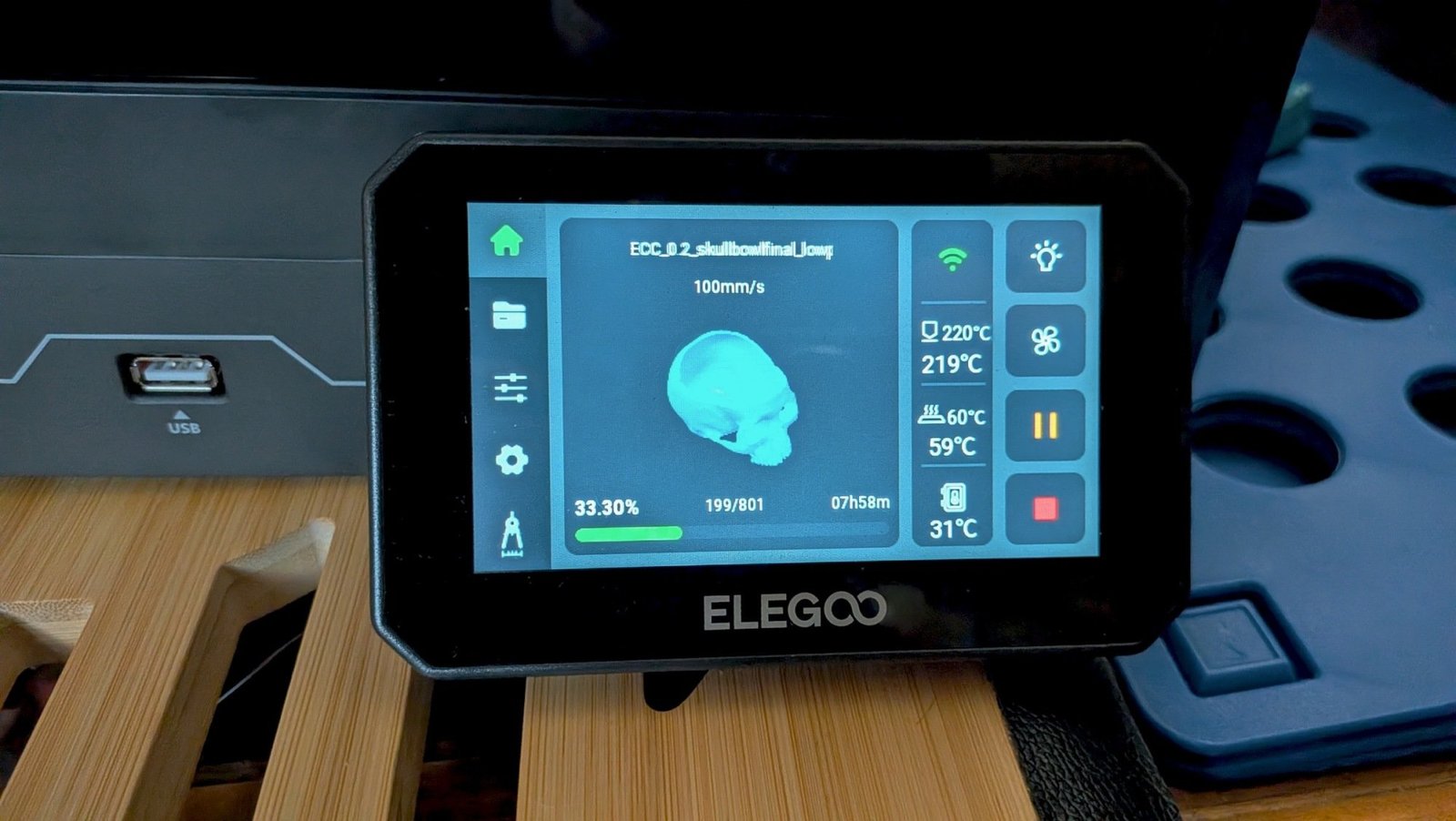
I tried three slicers before I finally gave in and asked Elegoo which one to use. The answer was the completely unsurprising, and appropriately named Elegooslicer. Who knew? This app is pretty great, because it's one-stop shopping for all of your slicing and printing needs. With this app you can set up prints, import print files, position them on the tray, and start prints. You can even monitor the print as it happens by watching a camera that is built into the printer.
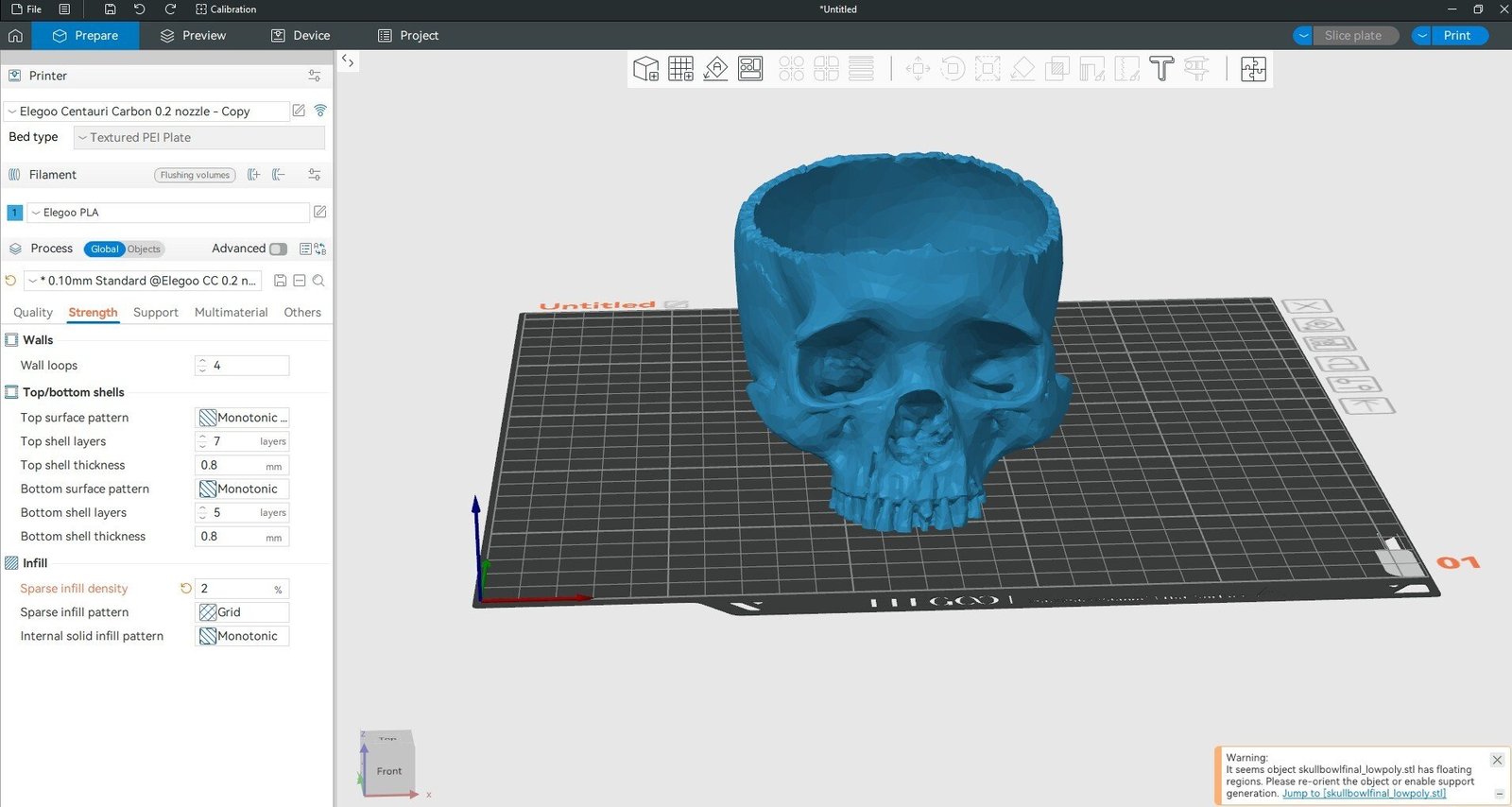
Credit: Adam Doud / Mashable
Credit: Adam Doud / Mashable
This was the final hurdle I needed to clear. I've been printing almost constantly since I got set up with the right slicer. I've printed playing card holders, pen holders, phone props, and a few other things for Halloween. It's been a lot of fun, and I feel like I wouldn't have gotten this far without getting over that initial setup hurdle. I still had to learn a lot along the way, and reach out to Elegoo for some help as well, but still, I really feel like this is a good solution to those who are interested in trying out 3D printing, but feel similarly intimidated.
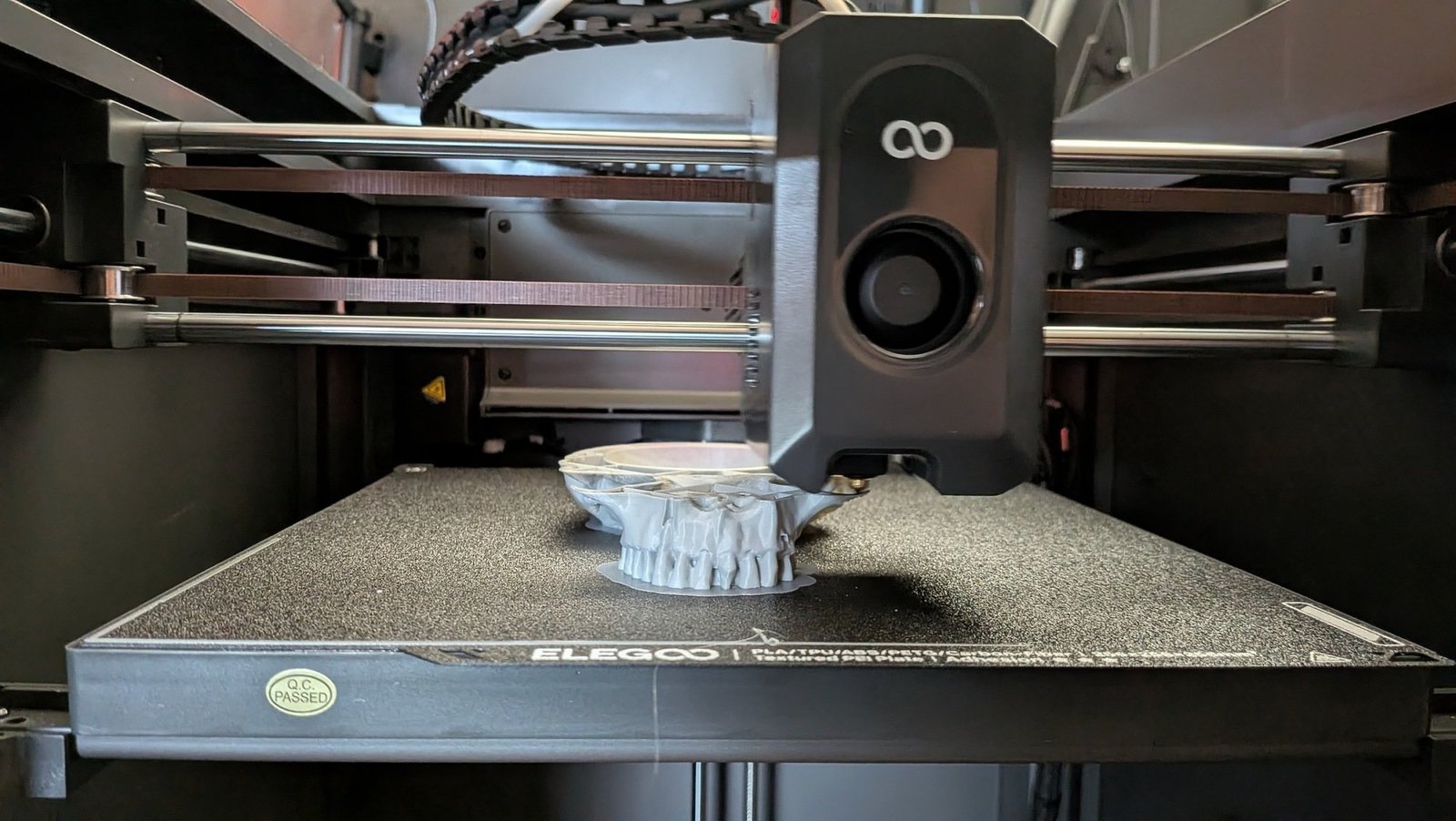
Credit: Adam Doud / mashable
Here's what you get
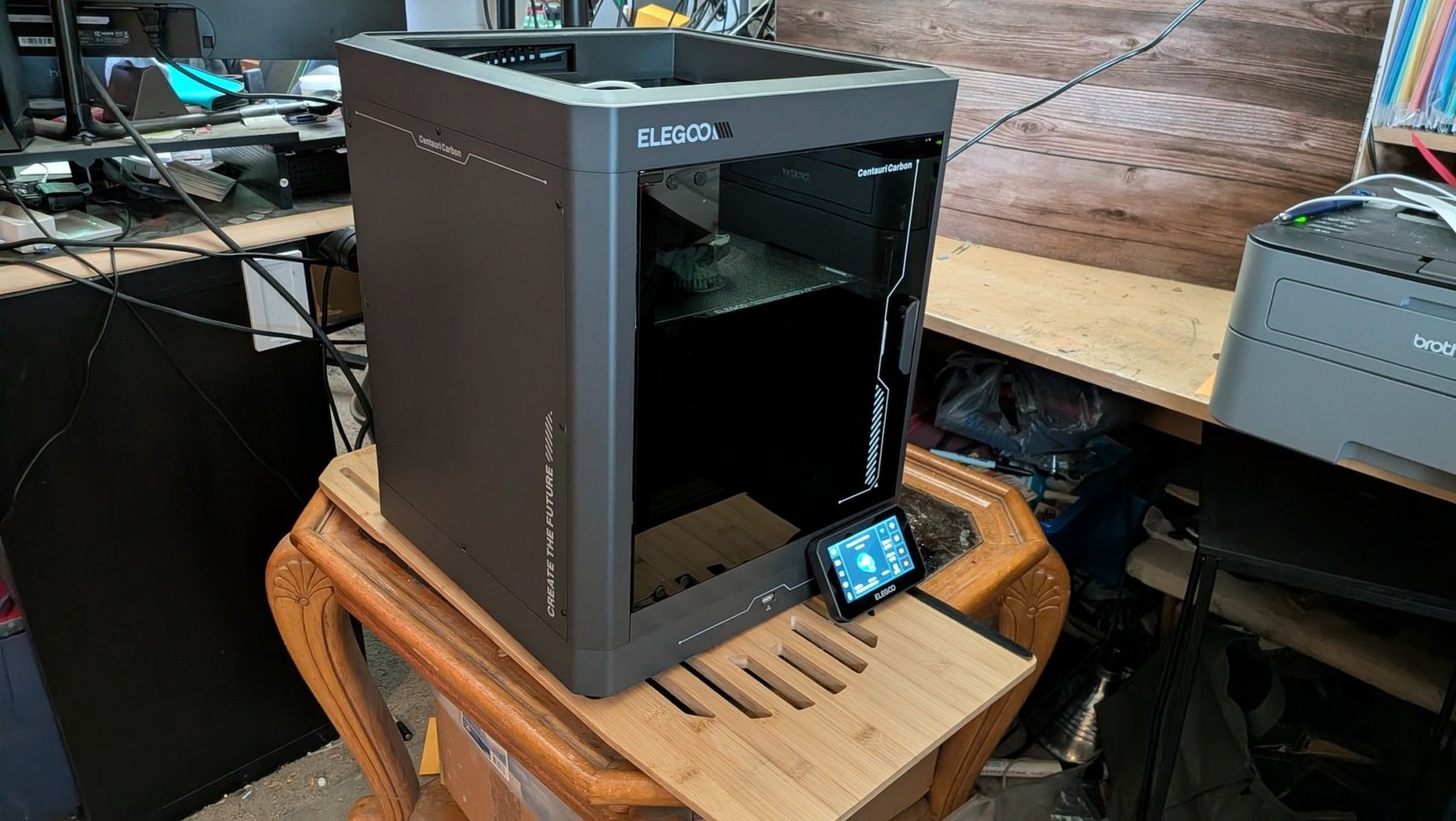
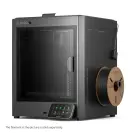
So, let's talk about the machine itself. The thing I like most about it is it's an entirely self-contained device. Everything happens within the confines of the enclosed printer. I've seen several models of printers that are basically just a table with an extruder over it, and those wouldn't do well in my house. I need everything to be inside an enclosure.
There's a door that opens on the front and a top that comes off. I'm not 100 percent sure why the top comes off, except I read in the instruction manual that if you leave the top on during prints, it may get too hot inside the machine. OK, that's fair enough.
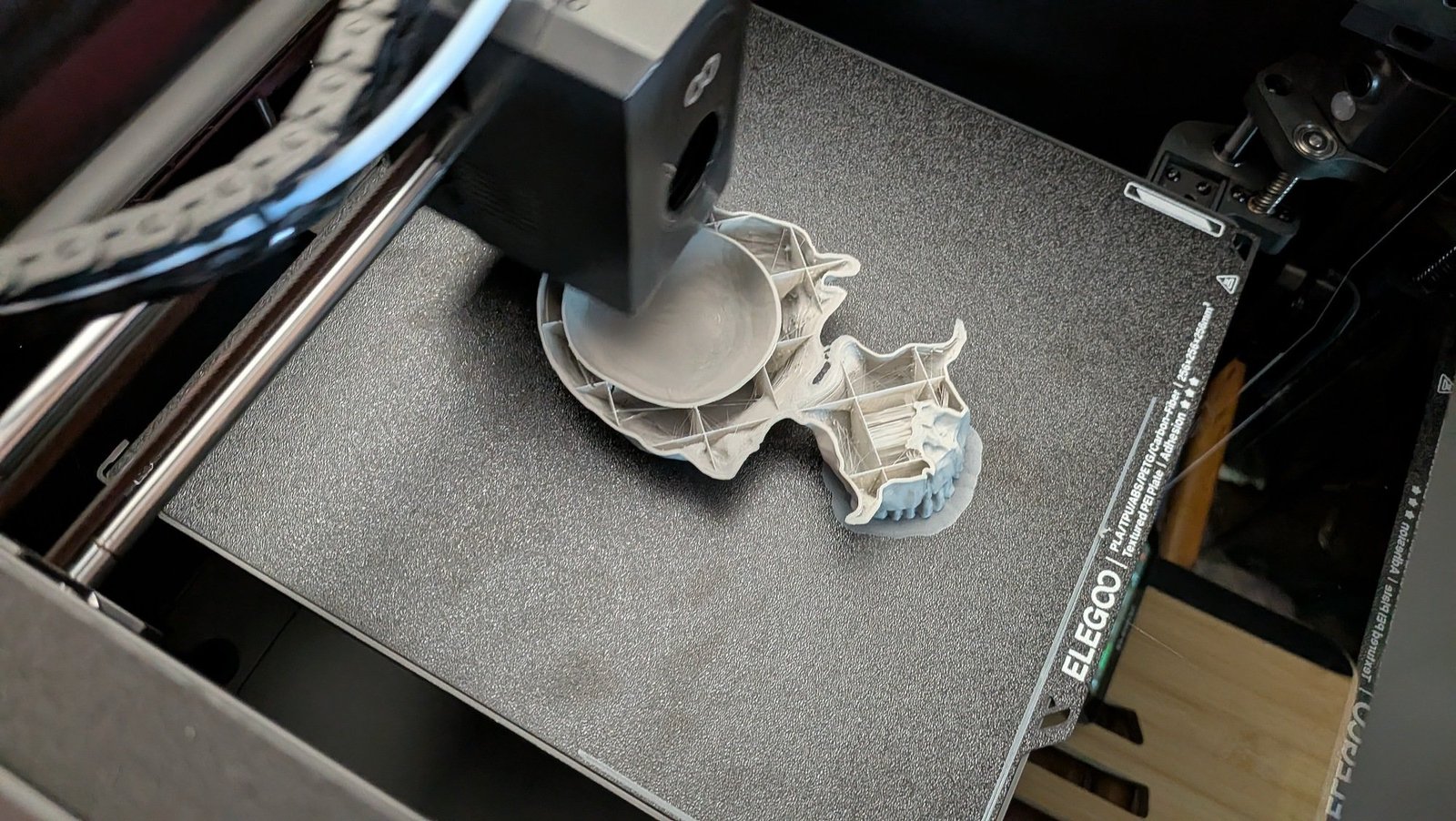
Credit: Adam Doud / Mashable
The machine has a fairly large footprint of 16" x 16" x 20". On the inside, you have a printable area of 256mm x 256mm x 256mm or roughly 10" x 10" by 10". This printer only handles a single filament at a time, so there's no automatic switching of colors — everything I've printed is grey so far. There's a USB-A port on the front of the machine and a touchscreen control panel that you can use to browse files and set up prints. I prefer to use the slicing software myself.
All of that comes at a fairly friendly sub-$400 price point on Amazon, or even less if you shop directly at Elegoo, where the printer starts at $299 when it's on sale.
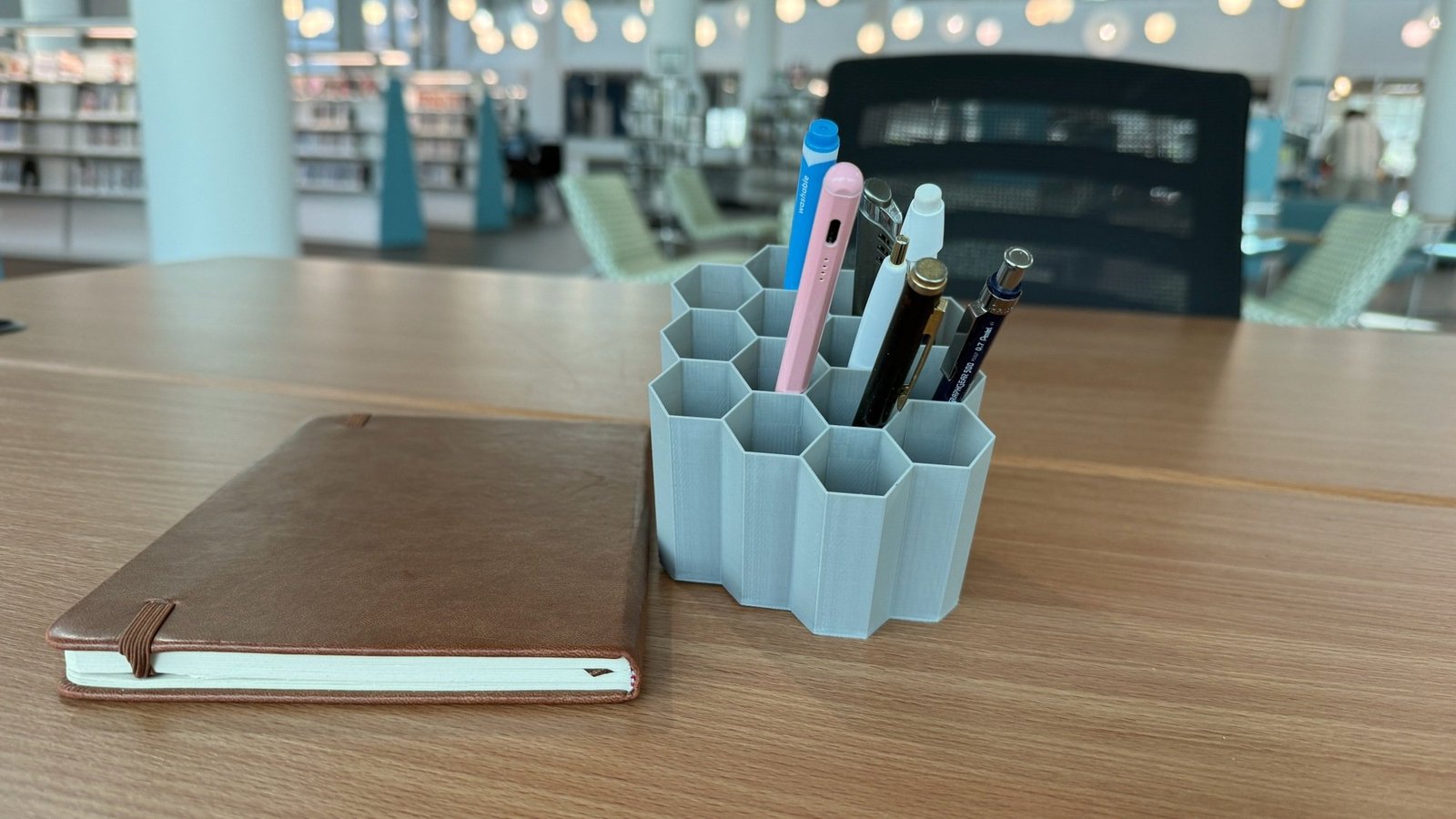
Credit: Adam Doud / Mashable
Is the Elegoo 3D printer worth it?
I've seen cheaper 3D printers on the market, but this feels like a nice, contained, all-in-one solution that can help give you that push to get started. For me, that's worth the extra money.
I'm sure there are more advanced models for hardcore 3D printing hobbyists. But when I consider that my entire journey from unboxing the printer to printing 24/7 happened over less than a week, I'm impressed both with Elegoo for making an idiot-friendly 3D printer that even I could understand, and with myself for finally embracing a new category of tech that I had previously thought beyond my abilities.
Elegoo Centauri Carbon 3D Printer
(save $40)

Elegoo Centauri Carbon 3D Printer
(save $80)


For years, Elon Musk has talked about colonizing Mars. Now, he's talking about building Looney Tunes contraptions on the moon instead.
The New York Times reported that Musk told employees at xAI on Tuesday evening that he wants to build a factory on the moon to construct AI data center satellites. Not only that, but Musk wants the factory to include some type of gigantic space catapult, called a mass driver, that would then launch the satellites into space, purportedly for the sake of powering xAI's artificial intelligence network.
"You have to go to the moon," Musk reportedly told employees, per the Times.
In case you're wondering why this plan involves xAI and not just SpaceX, it's because the two just recently merged at the corporate level. Musk said that the merger was necessary to help xAI build AI data centers in orbit around the Earth.
While these plans sound like something straight out of science fiction, Musk does have an impressive track record with SpaceX, which has accomplished many engineering firsts.
Of course, Musk did not elaborate on how, exactly, this facility would be built, or on what sort of timeline it would come together. Musk has spent decades talking up the notion of using SpaceX to colonize Mars, but he recently pivoted to the moon instead. Musk often talks about the importance of making the human race interplanetary.
As Mashable has reported previously, Musk has a history of making bold announcements that don't come to fruition.

TL;DR: Live stream Athletic Club vs. Real Sociedad in the Copa del Rey for free on RTVE. Access this free streaming platform from anywhere in the world with ExpressVPN.
The Copa del Rey semi finals are absolutely mouthwatering. A lot of fans will be focused on Atlético Madrid vs. Barcelona, but the first semi-final matchup is arguably even better.
Athletic Club take on Real Sociedad in the Basque derby. The San Mamés stadium will host the first leg of this fiery rivalry. We're expecting passionate support, intense competition, and of course, drama in abundance. It's going to be electric, and you can enjoy everything that this famous game has to offer without spending anything.
If you want to watch Athletic Club vs. Real Sociedad in the Copa del Rey from anywhere in the world, we have all the information you need.
When is Athletic Club vs. Real Sociedad?
Athletic Club vs. Real Sociedad in the Copa del Rey kicks off at 3 p.m. ET on Feb. 11. This fixture takes place at the San Mamés.
How to watch Athletic Club vs. Real Sociedad for free
Athletic Club vs. Real Sociedad in the Copa del Rey is available to live stream for free on RTVE.
RTVE is geo-restricted to Spain, but anyone can access this free streaming platform with a VPN. These tools can hide your real IP address (digital location) and connect you to a secure server in Spain, meaning you can unblock RTVE to live stream the Copa del Rey for free from anywhere in the world.
Live stream Athletic Club vs. Real Sociedad in the Copa del Rey for free by following these simple steps:
-
Subscribe to a streaming-friendly VPN (like ExpressVPN)
-
Download the app to your device of choice (the best VPNs have apps for Windows, Mac, iOS, Android, Linux, and more)
-
Open up the app and connect to a server in Spain
-
Visit RTVE
-
Watch Athletic Club vs. Real Sociedad for free from anywhere in the world

Opens in a new window
The best VPNs for streaming are not free, but most do offer free-trials or money-back guarantees. By leveraging these offers, you can access free live streams of the Copa del Rey without actually spending anything. This obviously isn't a long-term solution, but it does give you enough time to stream Athletic Club vs. Real Sociedad in the Copa del Rey before recovering your investment.
What is the best VPN for RTVE?
ExpressVPN is the best choice for bypassing geo-restrictions to stream live sport on RTVE, for a number of reasons:
-
Servers in 105 countries including Spain
-
Easy-to-use app available on all major devices including iPhone, Android, Windows, Mac, and more
-
Strict no-logging policy so your data is secure
-
Fast connection speeds free from throttling
-
Up to 10 simultaneous connections
-
30-day money-back guarantee
A two-year subscription to ExpressVPN is on sale for $68.40 and includes an extra four months for free — 81% off for a limited time. This plan includes a year of free unlimited cloud backup and a generous 30-day money-back guarantee. Alternatively, you can get a one-month plan for just $12.99 (with money-back guarantee).
Live stream Athletic Club vs. Real Sociedad in the Copa del Rey for free with ExpressVPN.

FREE $30 CREDIT: Reservations for a new Samsung Galaxy device come with a free $30 Samsung credit.

Opens in a new window
Set a calendar event because the next Samsung Galaxy Unpacked event is set for Feb. 25 online at both samsung.com and the brand's YouTube channel. If you'll be first in line for one of the new Galaxy S26 devices, there's a special deal in store if you reserve in advance.
Reservations for a new Samsung Galaxy device will earn you a free $30 Samsung credit. In addition, you'll be eligible for a savings of up to $900 on your order, and get entered to win $5,000 to spend at Samsung.
We have some idea of what the new Samsung Galaxy S26 lineup will include, but we'll all have to wait until Feb. 25 to get solid specs. But if you have intentions of upgrading, there's no harm in securing a reservation and saving $30. All you'll need to do is fill out Samsung's simple form with your name, e-mail address, and your phone number, if you feel like it. Then Samsung will keep you updated about future steps. The discount gets cancelled if you don't end up ordering a qualifying Galaxy device.
Mashable Tech Reporter Alex Perry said he wouldn't be surprised if the new S26 lineup comes with camera upgrades, in addition to more standard improvements like better battery life.
For those who've been patiently waiting for Galaxy Unpacked, now's your chance to place a reservation on a new Galaxy device with a free $30 credit. It's a win-win for those who are ready for an upgrade.

Elon Musk wants to build a giant catapult on the moon

‘Dawson’s Creek’ Star James Van Der Beek Dead at 48 After Cancer Battle

Mainstream Media in Disbelief as Trump DOUBLES Expected Jobs Numbers – President Trump Takes Victory Lap After Adding 130,000 Jobs to US Economy

Send Help review: GLOP! Youre not ready for Rachel McAdams latest… but I love it
How I Paid Off My Mortgage 10 Years Early On A Teacher’s Salary

Black Lives Matter Activist in Boston Pleads Guilty to Federal Fraud Charges – Scammed Donors to Fund Her Lifestyle
-
 Tech2 weeks ago
Send Help review: GLOP! Youre not ready for Rachel McAdams latest… but I love it
-
Business5 months ago
How I Paid Off My Mortgage 10 Years Early On A Teacher’s Salary
-
 Politics5 months ago
Black Lives Matter Activist in Boston Pleads Guilty to Federal Fraud Charges – Scammed Donors to Fund Her Lifestyle
-

 Tech5 months ago
Get a lifetime subscription to the “ChatGPT for investors” for under $60
-

 Tech5 months ago
Review: The Dreame H15 Pro CarpetFlex is the first wet/dry vacuum I liked
-
Business5 months ago
25 Low-Effort Side Hustles You Can Start This Weekend
-
Business5 months ago
9 Ways to Command a Six-Figure Salary Without a Bachelor’s
-

 Entertainment4 months ago
Fat Joe Recalls Bruno Mars Snapping on Him Over Question About Puerto Rican Roots: ‘Broke My Heart’